Problem statement
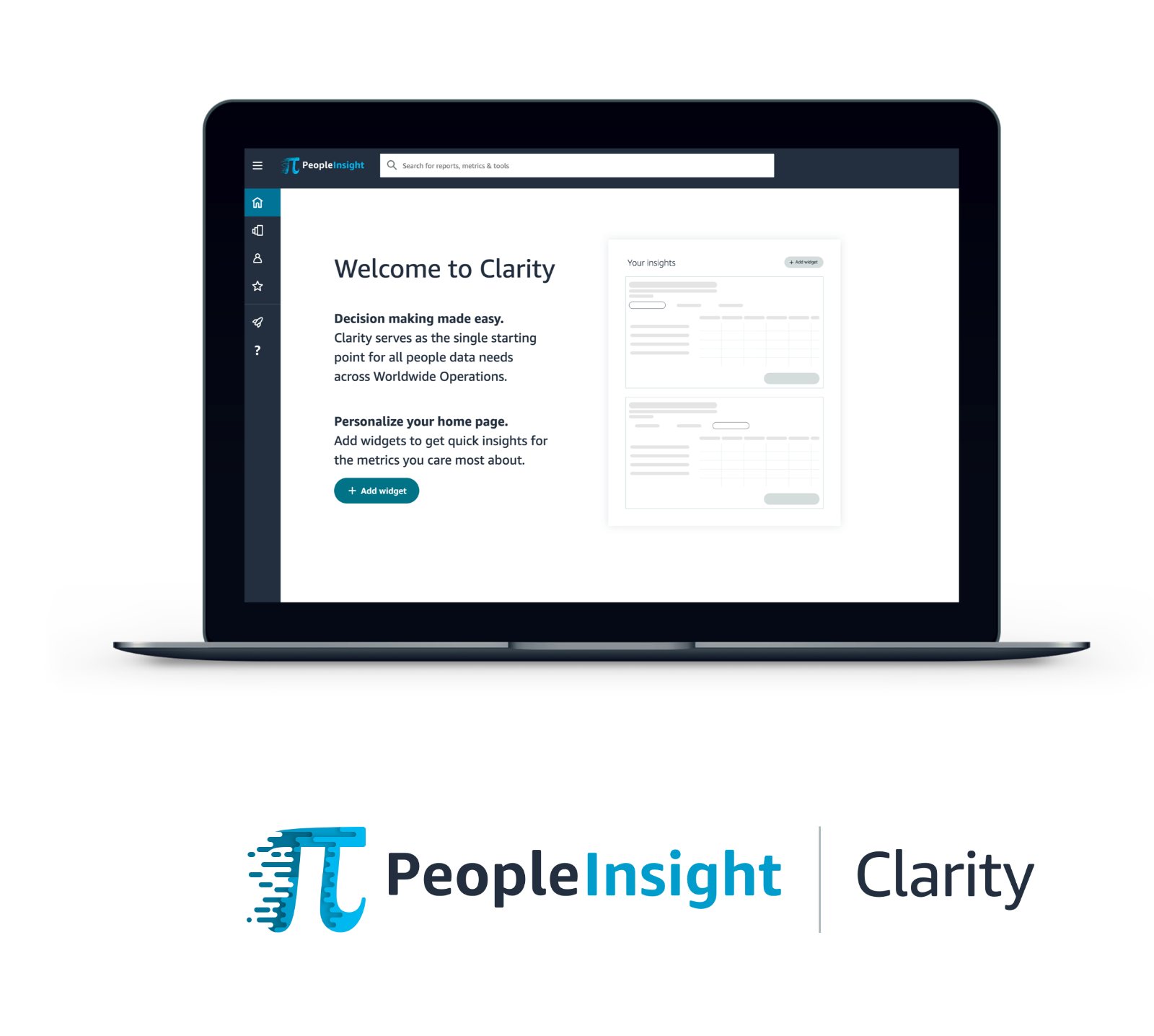
With Clarity coming out with a new share feature, the UX team realized there was no current experience that alerts users to pertinent information. Our users need to be aware whenever another user shares a report with them or whenever there are edits made to their reports.
How might we ensure Clarity users are aware of new updates within the platform?
Competitive analysis
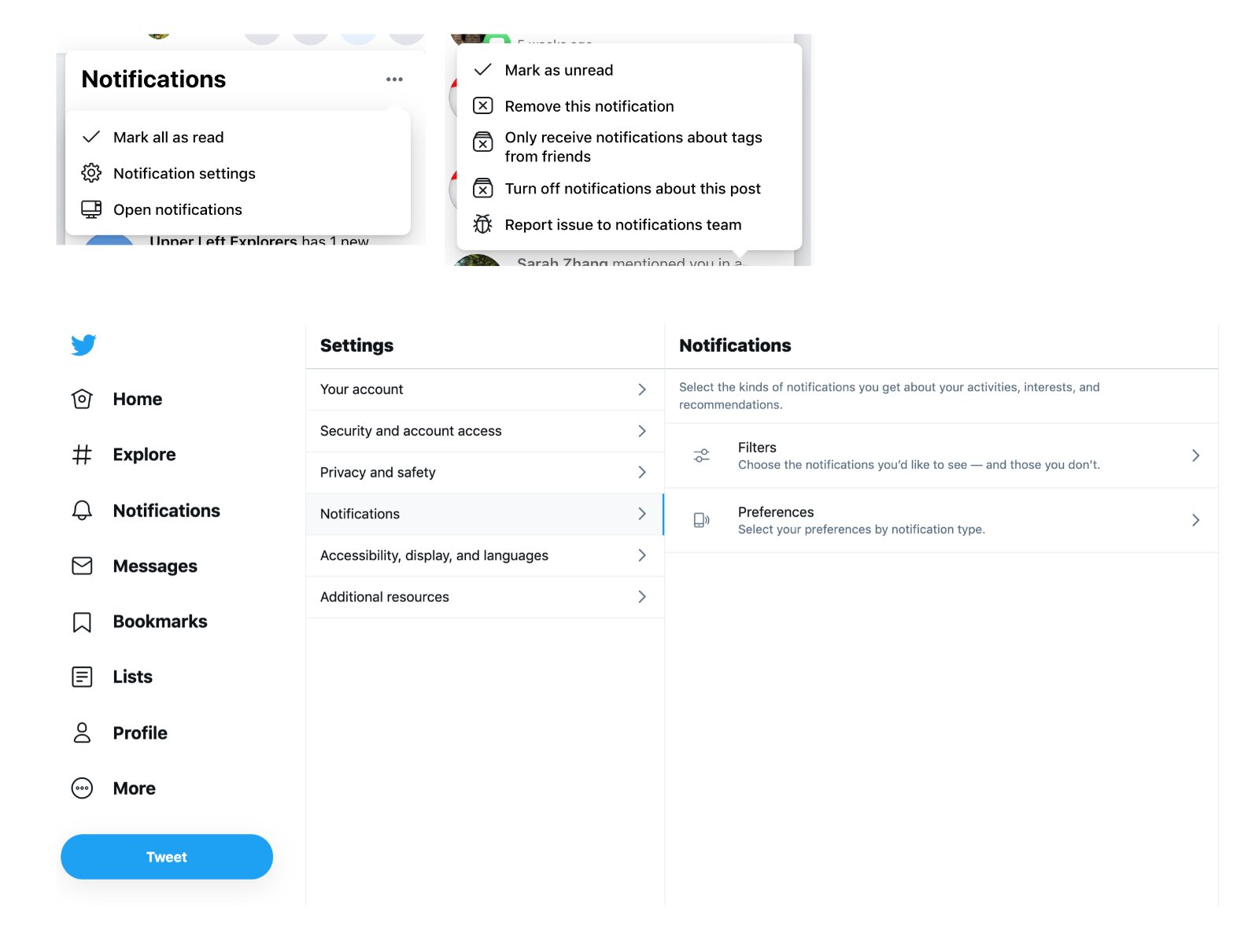
Before I started design explorations, I began by looking at different examples of notification centers in order to determine best practices and standard patterns.
Ideation + iterations
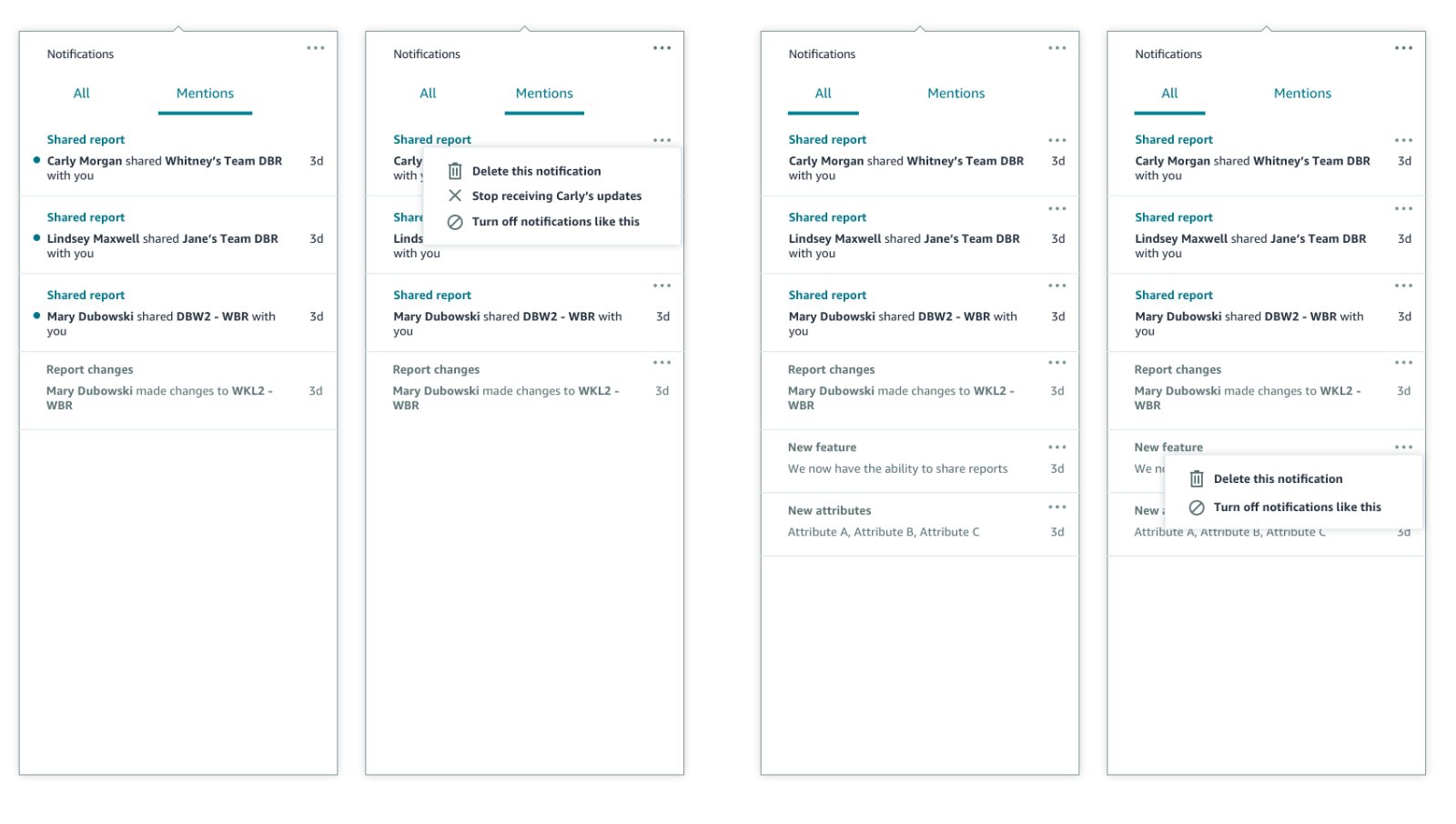
After completing competitive analysis, I began working on different ideas on how to incorporate notifications within Clarity. I focused specifically on notification behavior, messaging, notification groups vs no groups, and exploring different components available within the Stencil design system.
Design reviews with UX and stakeholders
I led several design review sessions in order to get feedback I needed to move forward with my designs. After handing off my designs, I continued to work with the engineering and QA team to bug bash the MLP launch.
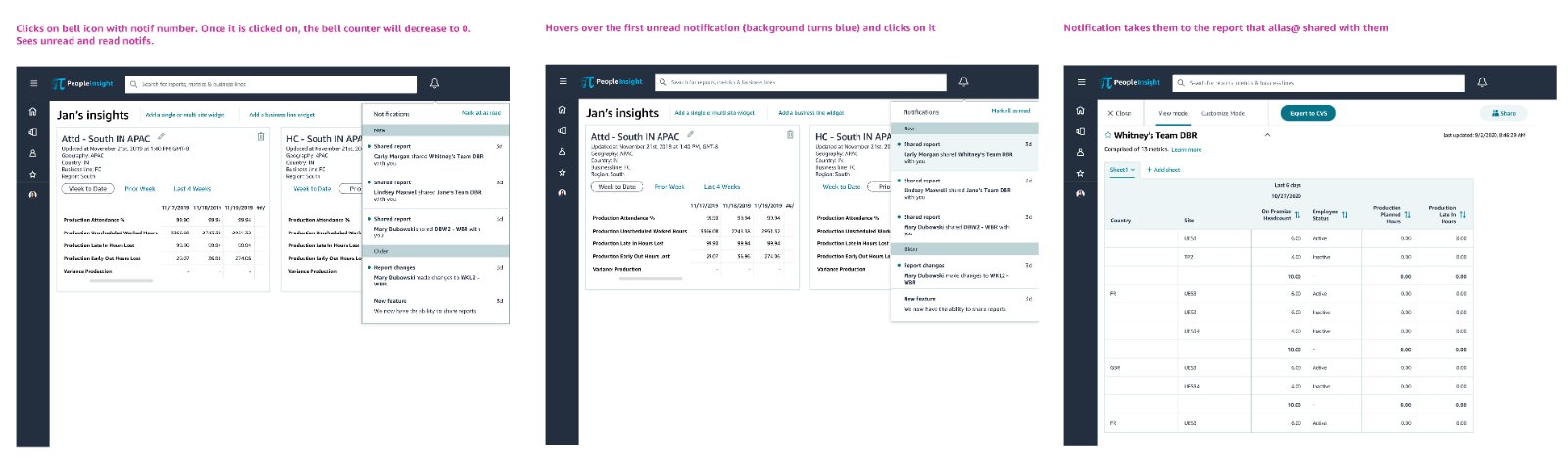
Final designs for MLP
Next steps
As we continue to add new features to Clarity, we plan to add additional enhancements to the notifications feature:
- – Add more notification events based on users’ needs
- – Explore notification settings so users can customize types of notifications and potentially opt out
- – Explore adding a notifications center: research whether users need more control in how they view and edit notifications